How this site works
There comes a time in every young tech blogger’s life where they must write an article about how their blog works. I have avoided writing it because of its Terrible Curse: it is often the last, or only, article on that blog. But someone asked me to share, so it is now my time.
This is that article.


Start simple
If you want to make a website of your own, start simple.
This whole site is designed around things I know well: TypeScript, git, Markdown, React. It is designed to maximize my fun, which is the actual dang purpose of a personal site. I want to easily write long articles; I want to build live playgrounds for my examples; I want to (try to) make beautiful typography like Matthew Butterick.
The strongest advice I can give, if you want to make something, is to just make it. If you want to do something, do the real thing. If you want to make a game, make a game, not a game engine. If you want to write, don’t spend your time choosing a blogging tool. Don’t fret about fonts. Just open Medium or Substack or flippin' Outlook and write.
I built the first version of this site in one day. As I wrote in A proper hello, it had basically no features and it wasn’t very pretty. But it was a space for me.
The rest could come later.
Astro
With that out of the way: this site is built on Astro. It is a static site generator written in TypeScript, and it is one of the best tools I’ve ever used.


(A static site generator takes my content and stitches in all the repetive bits, like navigation & subscribe buttons. The alternative is doing that all by hand or using a non-static web server that does that live. Doing that manually sucks, and web servers, as you’ll see, cost money).
I’ve used a few static site generators before:
- CSE132 uses Jekyll (as does Sensible Security, but the source is private).
- The original WashU Aristocats site was completely custom.
- I also investigated 11ty and Hugo.
Astro is my favorite. First, it is very unopinionated: it gives you tools to make a blog, but it doesn’t force your articles to have authors or publishing dates or anything. You decide what you want. Second, it is very powerful: the tools it gives you make it easy to make those decisions — to run complicated code, to pre-process images, to add custom fonts & typography — to do whatever you want. And third: it’s written in TypeScript. TypeScript is my favorite language, and it means I can change Astro if it’s missing something. Jekyll and Hugo? Not TypeScript. 11ty? Too opinionated for me.
Astro matches how I think.
GitHub Pages
Rendering a static site means I can host it on GitHub Pages for free.


My code lives in a private repo on GitHub, then I use the gh-pages tool to push it to its public repo, which then uses GitHub Pages to deploy. Free!
If my site were not static, like a Wordpress blog, or Ghost or Bear or Medium etc, either: ① I’d have to pay monthly to host the site (e.g. run the Wordpress app on a web server), or ② I’d have to keep my content on some 3rd-party service, with little control over the design (e.g. hosting on Medium). Generating a static site is easy enough for me and gives me full control for free.
GoatCounter
I use GoatCounter for lighter-weight analytics. I love how simple it is.

This is a great example of bikeshedding: I spent ages looking for a privacy-forward Google Analytics replacement, without deciding. Then I grabbed GoatCounter based on vibes, and I’ve been enjoying it a lot.
If I ran my own webserver instead of using GitHub Pages, I might consider some server-side analytics package, but I think GoatCounter is totally fine for my purposes.
Buttondown
I send my newsletter via Buttondown. I’m glad I’m not famous, because it’s currently free for me :).

I chose it because it seemed more stable than Substack, which I foresee will be the next Medium. And it didn’t force me to share my address just to send my (non-marketing!) emails like Mailchimp does.
Email is something that, in my experience, is worth using a service for. It’s hard to reliably send emails yourself. This will likely be the first service I have to pay for on this site.
Of course, I also have RSS if you use it (and you should)!
Cloudflare
I host DNS via Cloudflare. It’s fine. It’s easier to manage than whatever the registrar offers.
Those are the big parts of my site. Now for some more minor/design-oriented things.
Interactive components
Astro makes it easy to ship interactive components. For example, the live playgrounds in some of my articles:
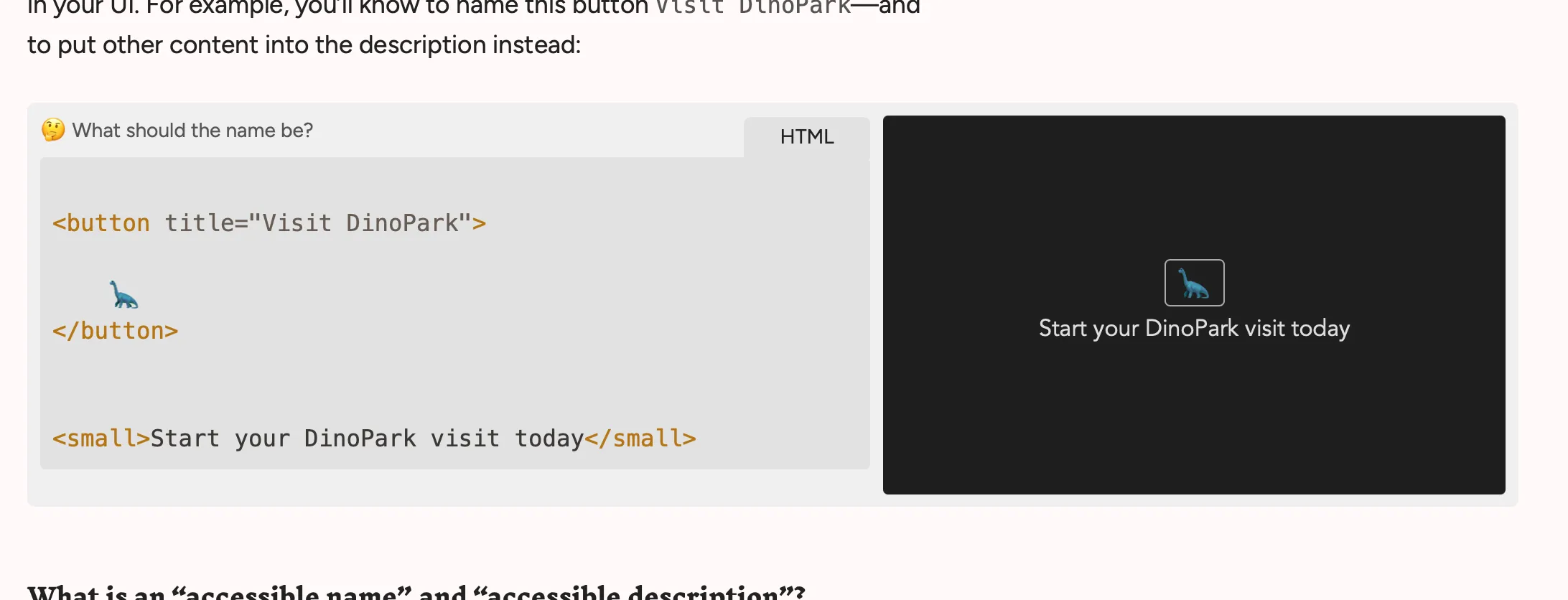
A live playground in What’s in an (accessible) name
I adapted them from @agney/playground and Josh W Comeau’s work. It’s awesome that Astro lets me just write React code and ship it, with no weird configuration. I’m excited to build more interactive stuff.
Link archiver
Astro’s flexibility also makes it straightforward to build things like my link archiver. I’ve written about linkrot before, so I try to archive every link on this blog. I use Zotero and archive.org.
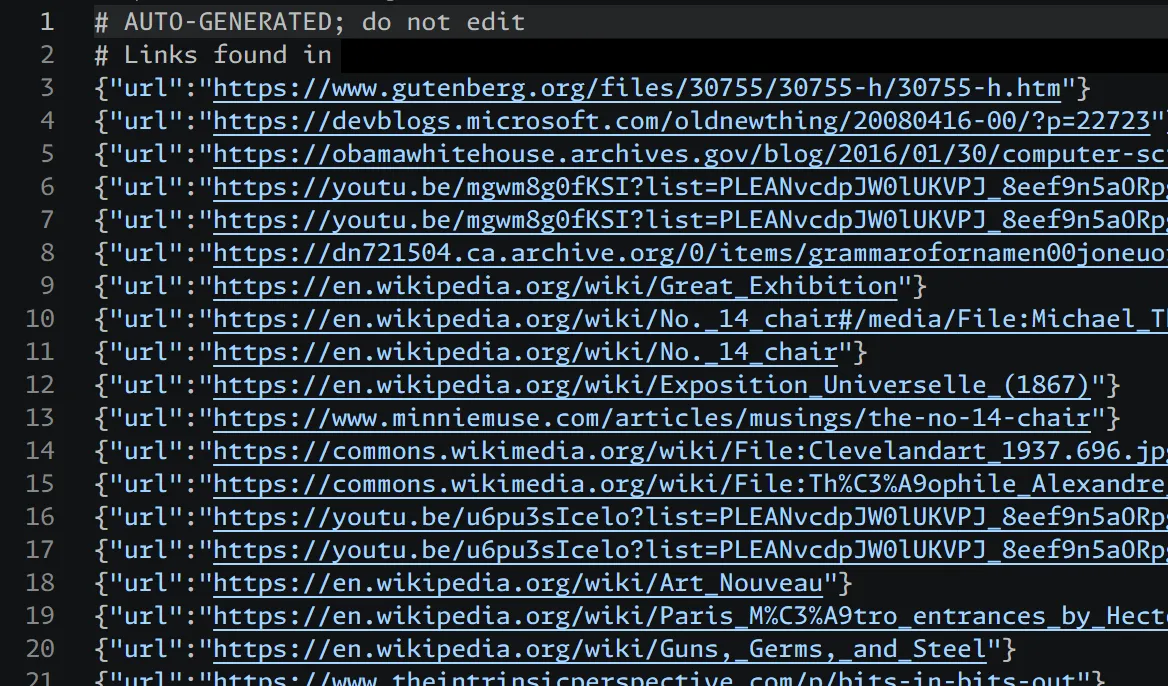
A list of links on Consider the chairmaker
I’ve also started building a tool to automatically audit & archive all the links on my blog, so I can be sure I’ve archived everything. One day it’ll actually work.
Illustration
I first seriously used illustrations in Sensible Security. They proved, unexpectedly, to be one of my favorite parts. I think they make the site instantly recognizable, human, and a bit silly.
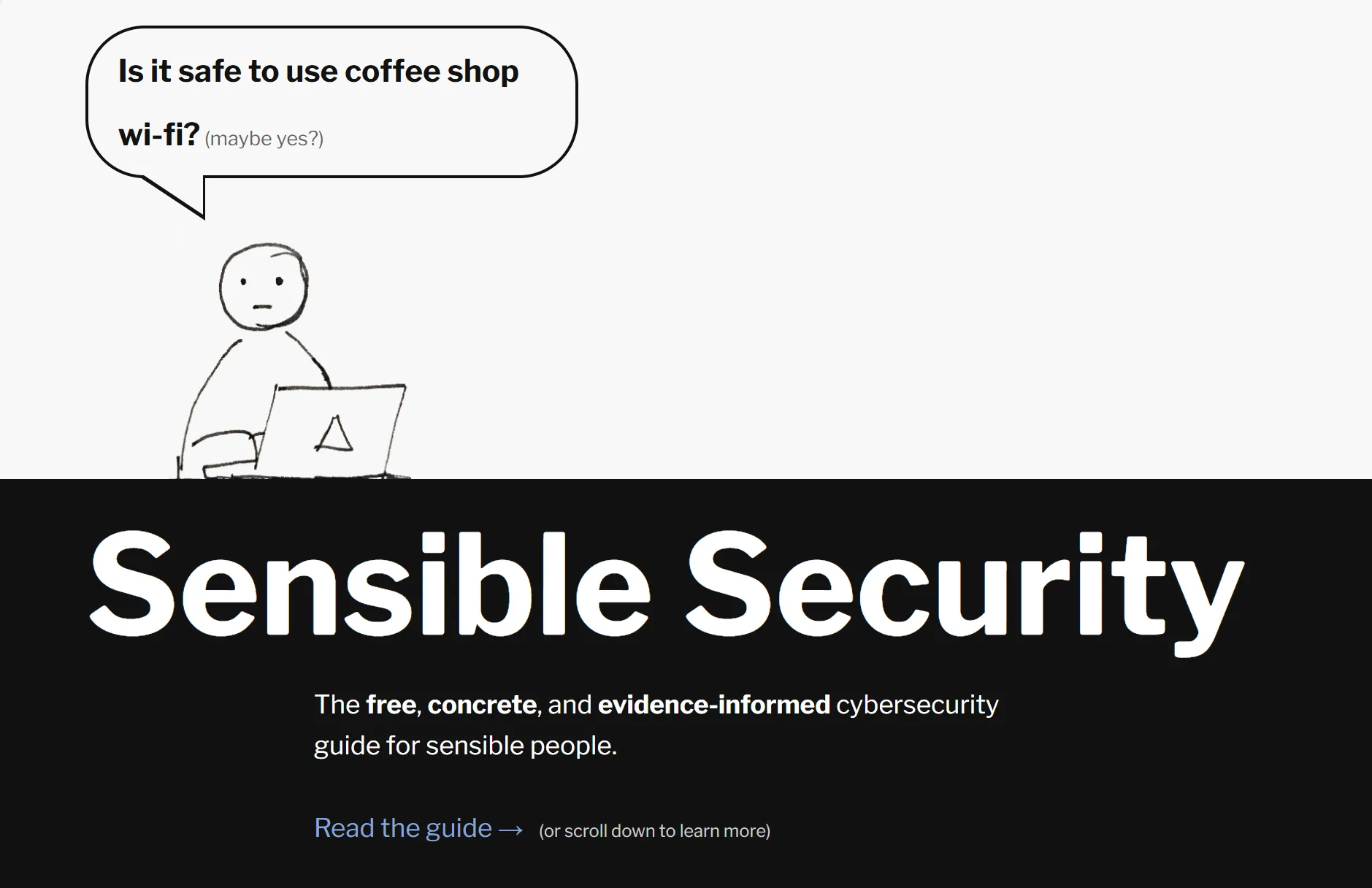
An illustration on Sensible Security
So now with most articles (e.g.), I’ll try to draw a spot illustration in Procreate. I upload it to Affinity Photo to resize it. I’ll either draw a dark-mode variant myself, or I’ll use ImageMagick to convert it. (magick convert .\light.png -channel RGB -negate dark.png, if you’re wondering).
I try to keep drawings as loose & easy as possible. I want illustrating to remain joyful and not be a drag on publishing.
Typography
I love experimenting with typography on the web. Each time I build a site, it’s been fun to re-read Practical Typography (and Edward Tufte) and attempt to make the text as subtly readable as possible. Sensible Security was my most recent attempt, and the initial versions of WashU’s CSE132 page were my first.
I do not think I’ve matched the experts, but I am quite happy with many typographical details:
-
Heading levels: Edward Tufte:
It is also notable that the Feynman lectures (3 volumes) write about all of physics in 1800 pages, using only 2 levels of hierarchical headings[…]
So I’ve limited myself to 2 levels of heading (article titles and section headings). I use a 3rd level for asides, but that’s more of a stylistic thing.
I think this rule makes it easier to write clearly.
-
No sidenotes, no footnotes: Similarly, I have a tendency towards tangent. In previous sites, I used sidenotes and footnotes to sneak in citations or extra content. I find footnotes frustrating to read, and I find sidenotes too tempting.
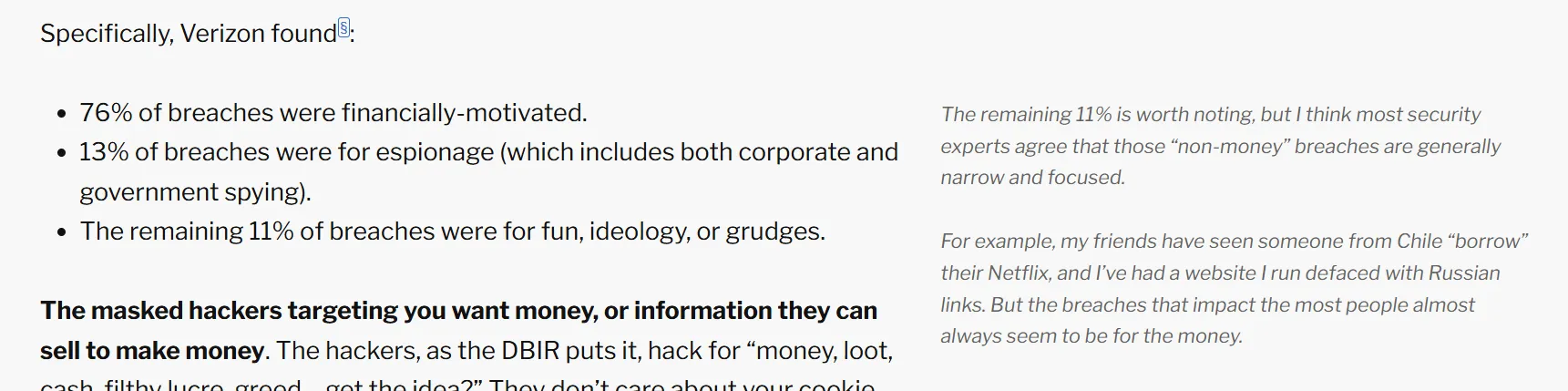
Sidenotes & footnotes: pretty but too tempting (on Sensible Security)
So, for now, I have avoided sidenotes on this site, hoping to focus my writing. I allow myself inline asides for tangents that are worth keeping, and I cite my sources in-text to make it easier to read them directly.
-
Vertical & horizontal rhythm: I’ve tried to set up a reliable baseline grid on basically every website I’ve made. It’s never succeeded. So here, I’m simply happy I’ve built a good vertical rhythm:
[…] and so, I now conclude this section.
This is a heading
Note how the heading is closer to this section than the preceding one! When, in the course of human events, it becomes necessary for one people to dissolve the political bands which have connected them with another[…]
I’ve also used the new
text-wrapproperty to make horizontal rhythm a bit nicer. Subtle! -
Emdashes, quotes, and more: I use several of Astro’s built-in typographic helpers (auto-replacing
...with true ellipsis:…, for example).But I’m especially proud of my hacks on top: I didn’t like how Astro handled emdashes & endashes (— and –) by default, and they didn’t get “quoted text” quite right, either. So I wrote my own parsers! They even add thinspaces to emdashes — a little detail that makes me happy.
-
Cool fonts, silly flourishes: I like my heading font, Inknut Antiqua, a lot. I think it’s a bit cheeky, and I spent a while testing font pairings. I’m glad I did.
Inknut Antiqua: a pretty cool typeface, eh?
And it pairs nicely with my paragraph font.
I similarly like my horizontal rule, with its fleurons/dingbats. Actually, since I use it to separate sections, I think it’s technically a dinkus? Even cooler:
Conclusion
Those are the big parts of my site! It’s been a Wordpress site, a static page, and now it’s this statically-built blog. I’m really enjoying its current iteration.
At some point I’d love to share how I share drafts with editors, and how I actually do my writing & research. Some other time.
May you enjoy whatever you make!